
CRM in Microsoft Dynamics 365 Business Central
Disconnected CRM and ERP systems often lead to lost opportunities, inconsistent customer data and limited visibility across sales and financial performance.
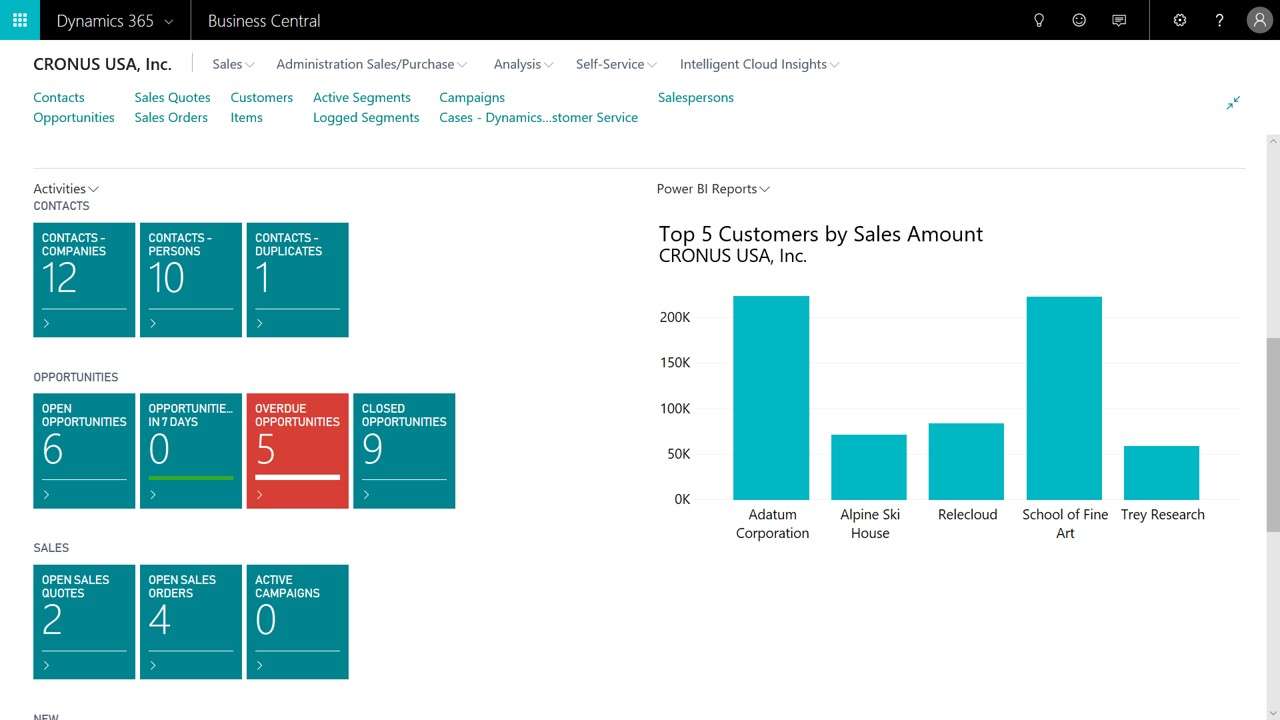
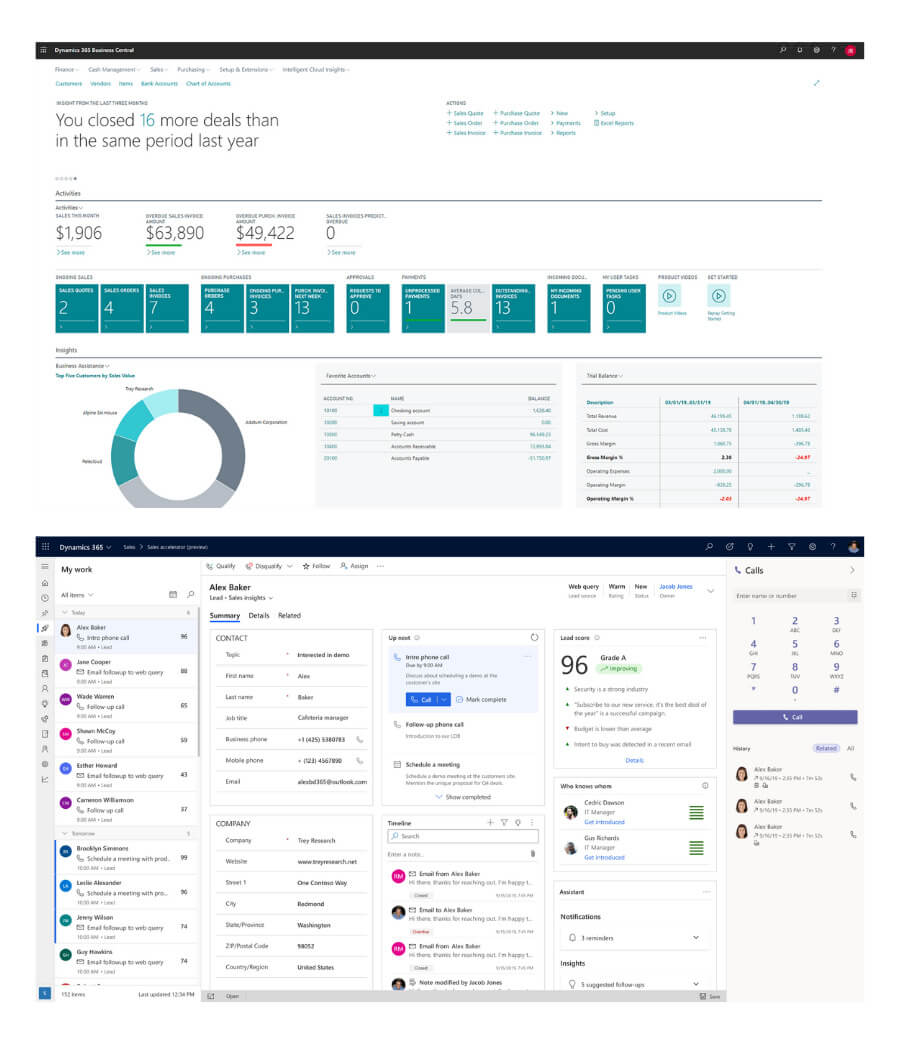
Microsoft Dynamics 365 Business Central brings customer relationship management directly into your ERP, enabling many mid-market organisations to manage sales activities, customer interactions and financial outcomes in one unified system.
With a connected view of the customer lifecycle—from enquiry through to order, delivery and payment—organisations can improve sales effectiveness, streamline operations and make more informed decisions.
Why Businesses Implement Business Central CRM
As organisations grow, managing customer relationships across disconnected systems becomes increasingly difficult. Sales teams often operate in separate CRM platforms or spreadsheets, while finance and operations sit within ERP—resulting in fragmented information, duplicated effort and limited visibility.
Many mid-market businesses implement CRM within Microsoft Dynamics 365 Business Central to bring these functions together—providing a single, accurate view of customers, sales activity and financial outcomes.
This integrated approach enables organisations to:
- Improve visibility across the customer lifecycle — from initial enquiry through to order, fulfilment and payment
- Eliminate duplicate data and manual processes by connecting sales, finance and operations in one system
- Enhance sales effectiveness with access to real-time customer, order and financial information
- Support better decision-making through accurate, up-to-date reporting across departments
- Strengthen customer engagement with consistent, informed communication at every stage
For many organisations, embedding CRM capabilities within ERP provides a practical and efficient way to manage customer relationships—without the complexity of maintaining separate systems.
When to Consider Microsoft Dynamics 365 Sales
For many organisations, the CRM capabilities within Business Central provide a practical and efficient way to manage customer relationships as part of an integrated ERP platform.
However, where sales processes become more structured or complex—such as longer sales cycles, multiple sales teams, or advanced pipeline and forecasting requirements—organisations may benefit from implementing Microsoft Dynamics 365 Sales alongside Business Central.
Microsoft Dynamics 365 Sales is a dedicated CRM platform that provides enhanced capabilities for opportunity management, pipeline visibility, sales forecasting and automation—while maintaining standard integration with Business Central for seamless data flow between sales and finance.
This approach enables organisations to adopt the right level of CRM capability based on their requirements—combining advanced sales management with fully integrated ERP operations where needed.
Review Your CRM and ERP Approach
Selecting the right approach to customer relationship management is not simply about choosing a CRM system—it is about ensuring your sales processes, customer interactions and operational workflows are aligned and supported by the right technology.
At Cloud Factory, we work with organisations to review how customer data, sales activity and financial processes are currently managed—identifying opportunities to improve visibility, streamline operations and support more effective decision-making.
Whether you are considering CRM within Business Central or a broader solution involving Microsoft Dynamics 365 Sales, our advisory-led approach ensures the solution aligns with your business requirements, not just software capabilities.
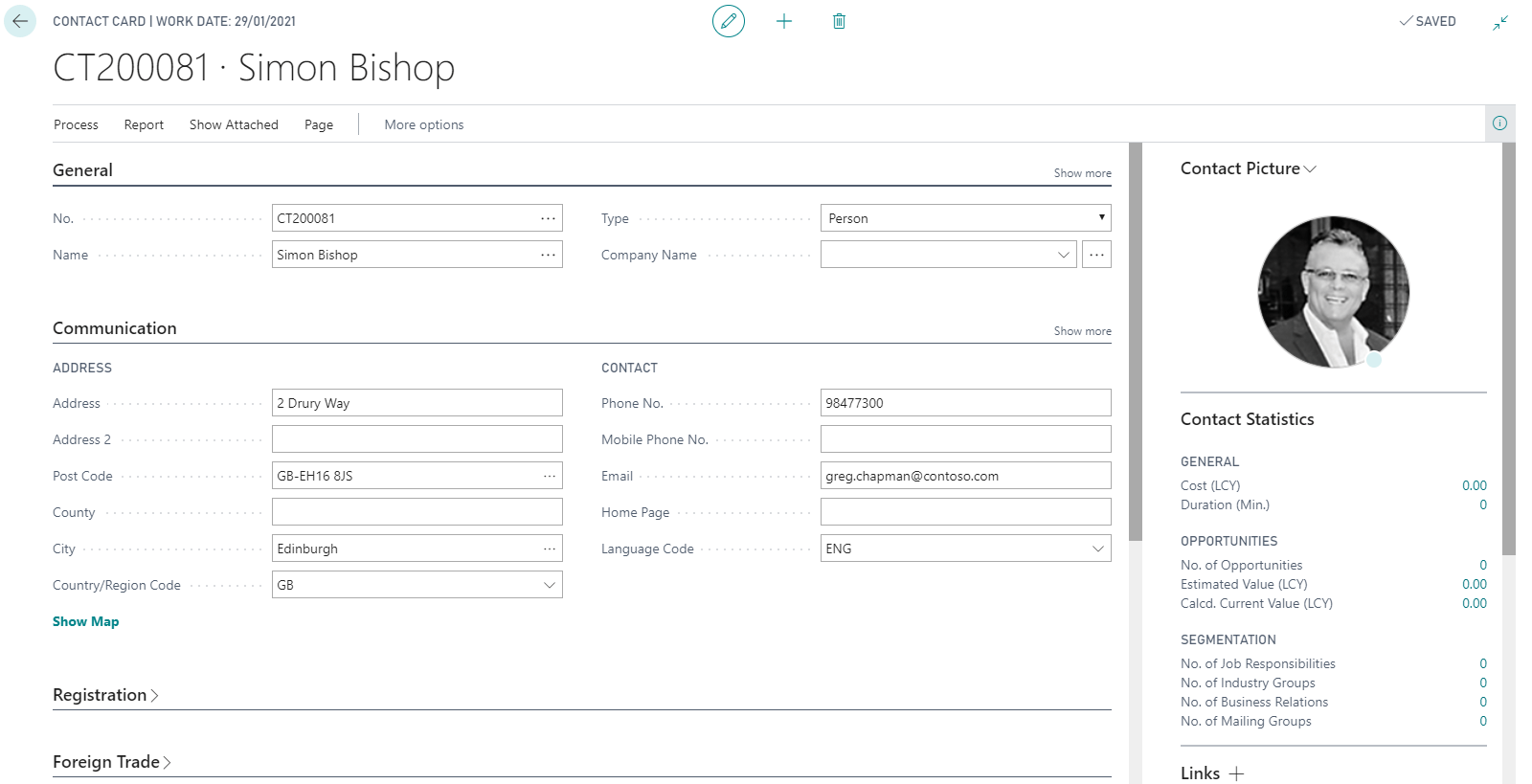
CRM Contacts
Sales will regularly meet and talk to prospective businesses or indeed expand their contacts within the existing client base. As such its important that they can add all such relationships and such information can be recorded in the system. Importantly Contacts can not only be Customers but also Suppliers!
Segments
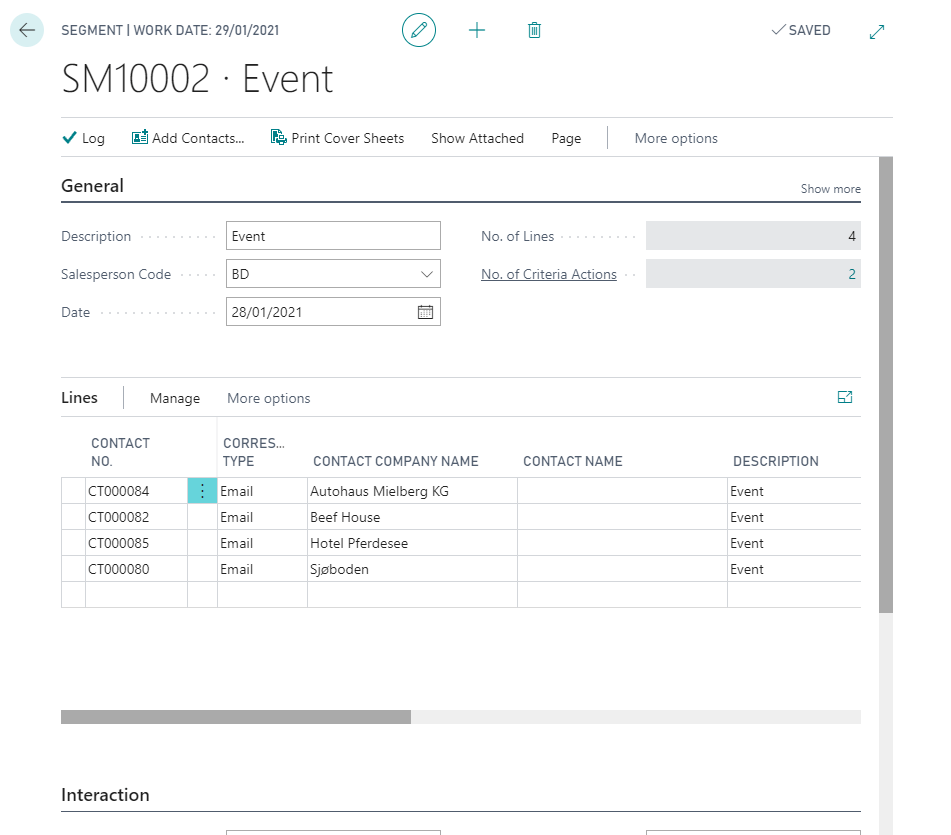
A segment is a group of contacts according to specific criteria. For example, a segment could be the industry that the contacts belong to or your business relationship with the contacts. You can create a segment to select the contacts you want to target with a campaign and how you wish to target i.e. via email?
Opportunities
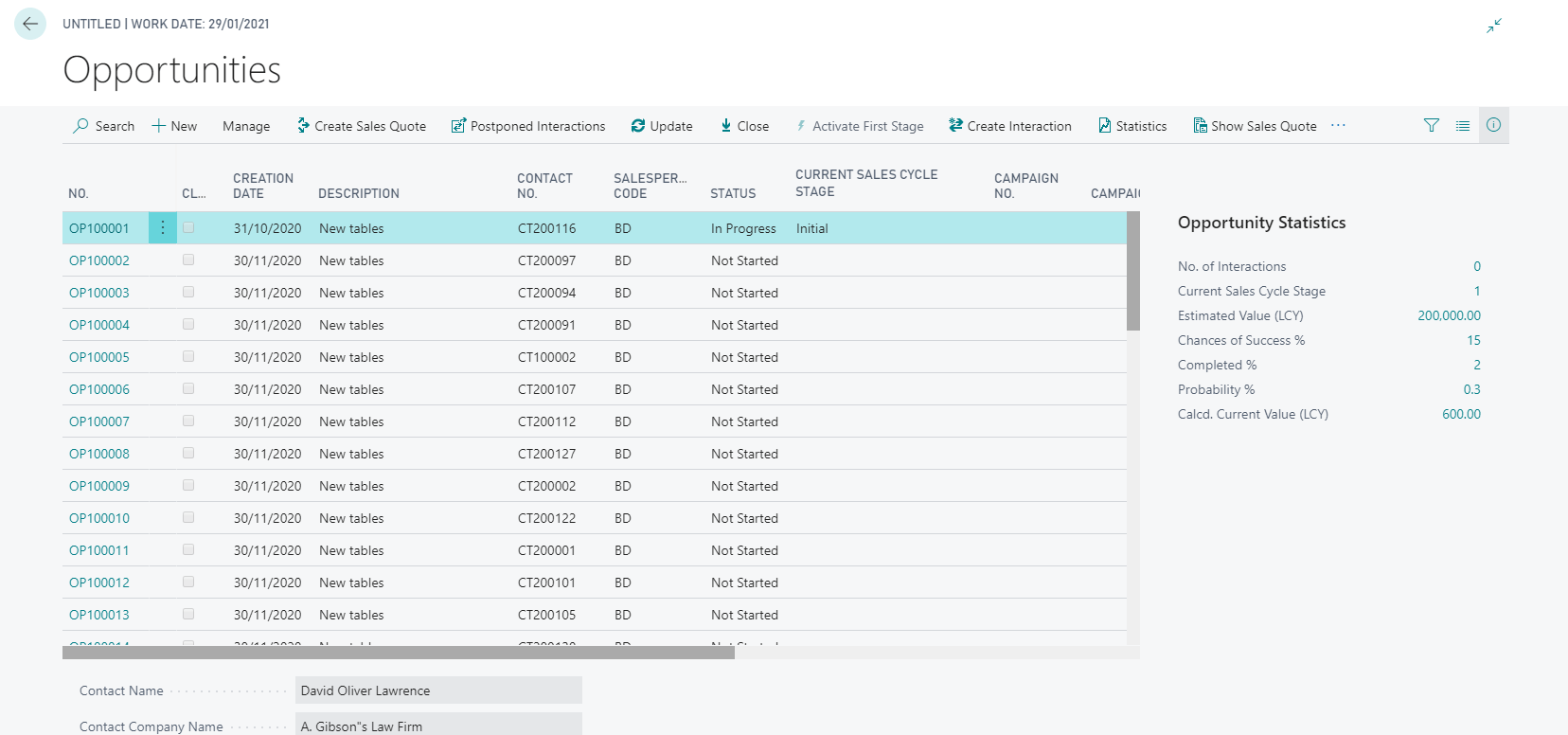
In Business Central you can create opportunities and associate them to a salesperson so that you can keep track of potential sales.
Before you can start using opportunity management, you must set up sales cycles and sales cycle stages. As you create opportunities, you should provide information about the contact, salesperson, sales cycle, and dates, as well as your estimates for the sales value of the opportunity and your estimation of the chances of its success.
Customer Quoting
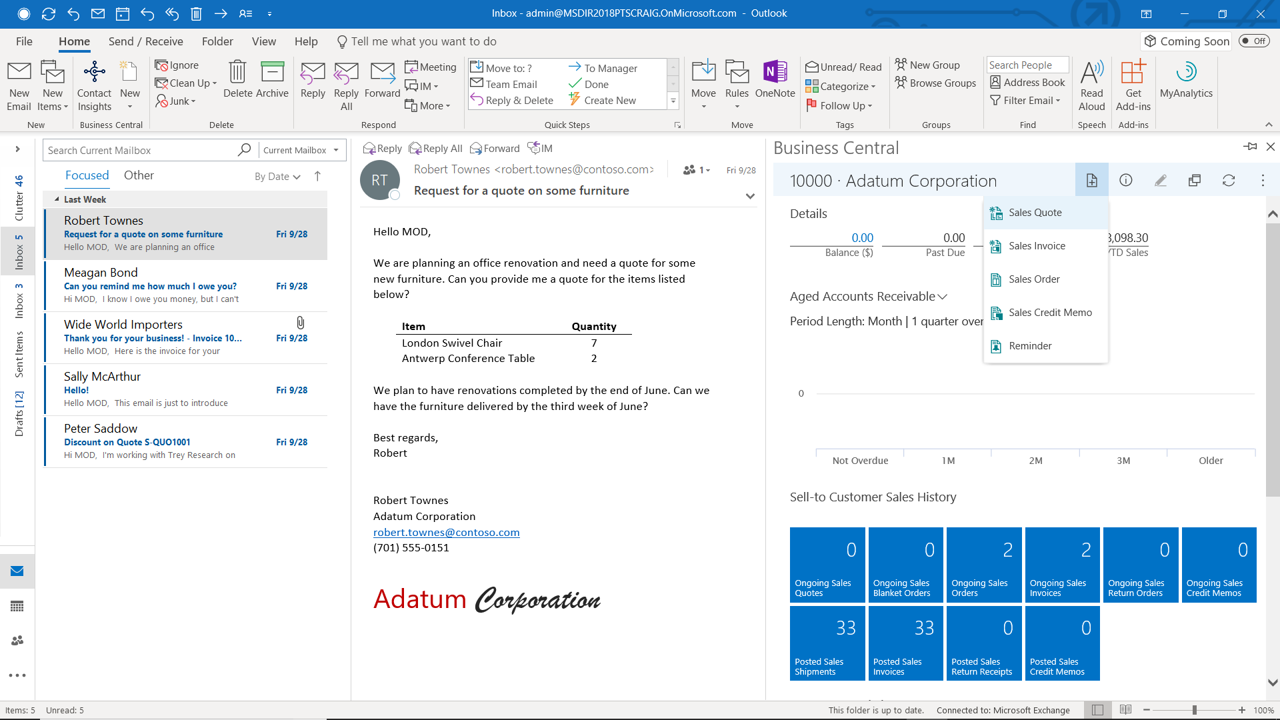
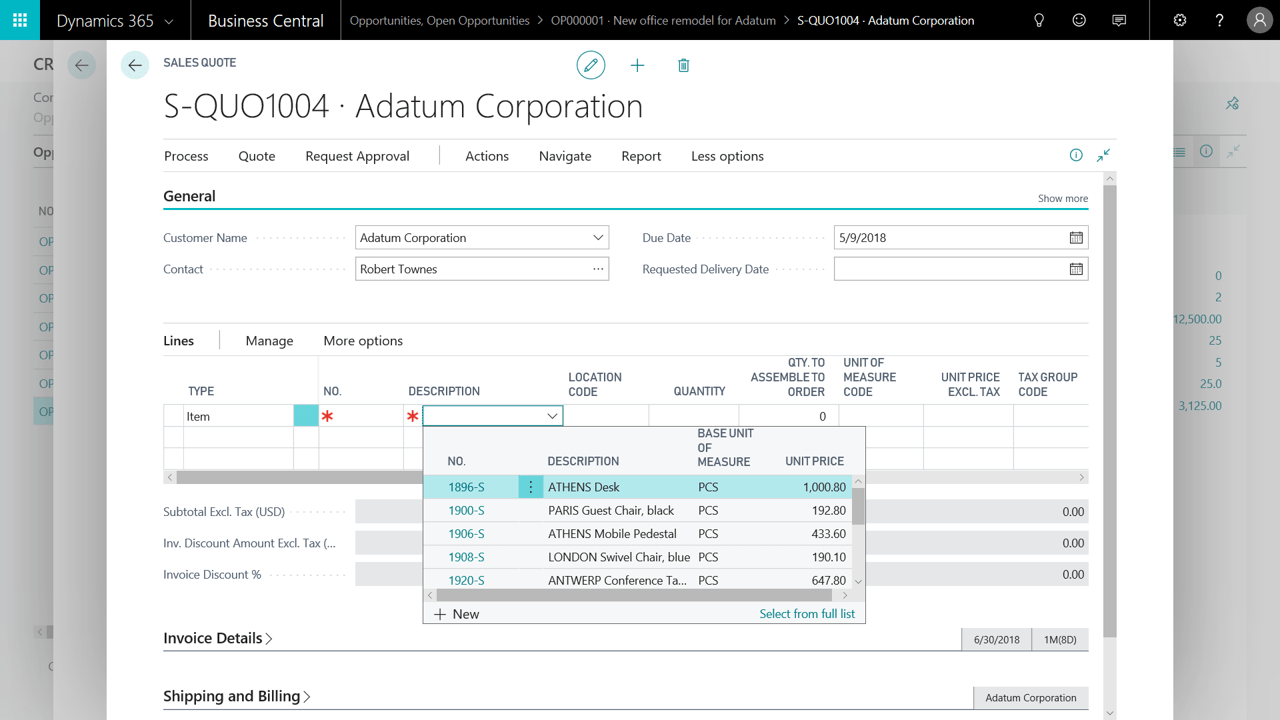
Business Central provides all of the required set up and Master Data rules to enable your Sales Force to provide quotations to Customers not only directly from within Business Central but also from with Microsoft Outlook 365. Quotes can be turned to Orders which in turn can be turned to Invoices.
Book a Complimentary ERP Assessment
Book a complimentary ERP assessment with Cloud Factory to review your current systems, identify operational gaps and determine the right solution to support your business growth.
